
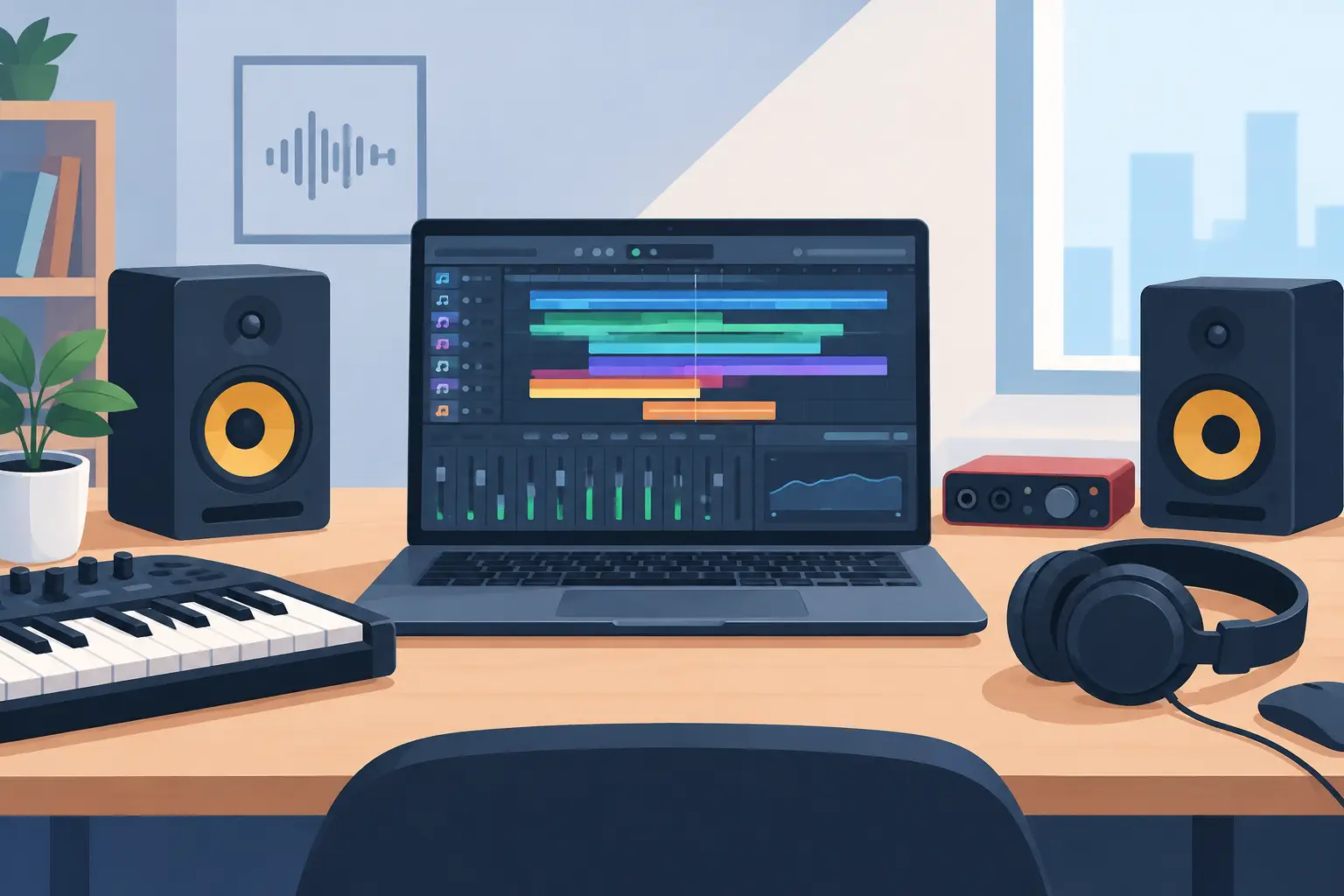
A great first song can begin with a beat made at the kitchen table, a melody recorded on a phone, or a guitar part played after school. Choosing the best music production software beginners can grow with makes that exciting first idea easier to finish. The goal is not to buy the most complicated program. It is to find a creative workspace that helps you make music, learn confidently, and have fun along the way.
Music production software is often called a DAW, short for digital audio workstation. It lets you record instruments and vocals, build beats, arrange sections of a song, add virtual instruments, and polish a mix. Every major DAW can make professional-sounding music in the right hands. For a new producer, the better choice is usually the one that feels clear, works with the computer they already own, and supports the style of music they want to create.
What Is the Best Music Production Software for Beginners?
There is no single winner for every student. A child making beat-driven pop songs on an iPad has different needs from an adult recording acoustic guitar and vocals at home. Still, a few programs consistently give beginners a friendly place to start.
GarageBand: Best for Apple users who want to start quickly
GarageBand is a wonderful first DAW for students with a Mac, iPad, or iPhone. Its layout is inviting, its built-in sounds are strong, and it makes it easy to record a vocal, plug in a keyboard, or build a drum groove. A young student can experiment with loops right away, while an adult beginner can use the same program to sketch an original song.
It is especially helpful for learning the building blocks of production: tracks, tempo, song sections, MIDI notes, recording, and basic effects. GarageBand also provides a comfortable path into Logic Pro later if a student outgrows its features. The trade-off is simple: it is only available on Apple devices. If your household uses Windows, look elsewhere rather than trying to force a setup that creates frustration.
BandLab: Best free option for simple songs and collaboration
BandLab is a smart choice for beginners who want to create without purchasing software first. It works in a browser and on mobile devices, which makes it accessible for families who are not ready to invest in a full studio setup. Students can use virtual instruments, program beats, record ideas, and share projects with collaborators.
Its straightforward design can reduce the fear of the blank screen. That matters when a new producer is still building confidence. BandLab is great for trying songwriting and beat-making, but it may feel limiting once someone wants deeper mixing tools, a large sound library, or more detailed control over recordings. Think of it as a welcoming starting point, not necessarily a forever choice.
FL Studio: Best for beat makers and electronic music fans
FL Studio has earned a devoted following among producers who make hip-hop, EDM, pop, and beat-based music. Its pattern-based workflow makes it easy to create drum parts, layer sounds, and experiment with loops. Students who get excited by making a beat first and building the song around it often connect with FL Studio quickly.
The program offers plenty of room to grow, which is a real advantage for motivated teens and adults. However, the number of options can feel busy at first. A beginner does not need to understand every button to create something cool. Start with one drum pattern, one bass sound, and one musical idea. Small wins build skills much faster than trying to learn the whole program in a weekend.
Ableton Live Intro: Best for electronic music and live performance
Ableton Live is built for making, arranging, and performing music. Its Session View lets producers launch clips and try combinations without committing to a song arrangement too early. That playful approach is excellent for electronic music, remixing, looping, and students who enjoy experimenting.
Ableton Live Intro is the smaller version, with fewer tracks and features than the full editions. That limitation can actually be helpful for a beginner because it keeps the first projects focused. It is not the cheapest path for every family, and its workflow is different from traditional recording software. But for a student who wants to create energetic electronic tracks or perform with loops, it can be a fantastic fit.
Logic Pro: Best next step for serious Mac-based producers
Logic Pro is a more advanced Apple-only DAW with an enormous collection of instruments, sounds, and production tools. It is a powerful option for teen and adult producers who have become comfortable in GarageBand and want more creative control. Songwriters, film-score fans, vocal producers, and musicians recording live instruments can all do excellent work in Logic.
For a complete beginner, Logic can be more than necessary on day one. That is not a reason to avoid it if you are excited to learn, but it does mean a little guidance goes a long way. A teacher can help a student focus on the few tools that matter first instead of getting lost in menus.
Reaper: Best for budget-conscious recording
Reaper is known for being flexible, affordable, and capable. It is especially useful for musicians who want to record guitars, bass, drums, piano, or vocals and prefer a traditional studio-style workflow. It runs well on many computers and gives users impressive control over recording and mixing.
Its biggest trade-off is that it does not hold a new producer's hand as much as GarageBand or BandLab. The interface can feel less playful, and beginners may need to choose and install their own virtual instruments and sounds. For the student who enjoys learning how things work, that flexibility is a strength. For the student who wants to make a beat immediately, another option may feel more rewarding.
How to Choose Music Production Software for Beginners
Before comparing feature lists, ask one practical question: what kind of music does the student want to make this month? A singer-songwriter may prioritize easy audio recording. A future hip-hop producer may need great drum programming and MIDI tools. A student who wants to make music with friends may care most about sharing projects online.
Also consider the device you already have. GarageBand and Logic Pro require Apple hardware. FL Studio, Ableton Live, BandLab, and Reaper offer Windows-friendly options, although specific versions and features can vary. Buying software that does not work well on the family computer is an expensive way to slow down motivation.
Budget matters, but free does not always mean best. A free DAW can be perfect for testing interest and learning basic skills. A paid program may be worth it when a student is creating consistently and needs better sounds, more tracks, or a workflow that matches their goals. The best investment is often a simple program plus time set aside to use it each week.
Do not overlook the value of built-in lessons, templates, and sounds. Beginners need fewer choices, not endless choices. A drum kit they like, a piano sound that inspires them, and a simple way to record can lead to more finished songs than a massive collection of features they never touch.
Start With One Complete Song
New producers often make dozens of eight-bar loops and wonder why they are not improving. Loops are useful, but finishing a short song teaches the skills that turn ideas into music. Set a realistic first project: create an intro, a main section, a contrasting section, and an ending. It can be one minute long. It can be imperfect. It just needs to be finished.
Start by choosing a tempo and adding a basic drum beat. Record or program a bass line, then add a melody, chord progression, or vocal hook. Listen for crowded moments and remove parts that do not help the song. Finally, adjust the volume of each track so the most important idea is easy to hear. That simple process teaches arrangement and mixing without making production feel like homework.
Headphones are enough for the first few projects. Later, a USB microphone, MIDI keyboard, and studio headphones can make recording easier, but gear should support creativity rather than delay it. The musician matters more than the equipment.
Guidance Turns Curiosity Into Confidence
Music production has a learning curve, but students do not have to solve every problem alone. A good instructor can help them hear why a mix sounds muddy, build chords that support a melody, record cleanly, and finish songs they are proud to share. Production lessons also connect naturally with piano, guitar, voice, drums, and songwriting because every skill gives a student more ideas to bring into their DAW.
At Matt Burk Music Studio, students can explore production in a supportive setting while building the musical skills and confidence to share what they create. Whether the goal is a first beat, an original song, or a future performance, progress becomes much more fun when someone is cheering you on and helping you hear what is possible.
Pick the program that makes you want to sit down and create tonight, then give yourself permission to make a few messy first songs. Every producer you admire started by learning one track, one beat, and one brave idea at a time.